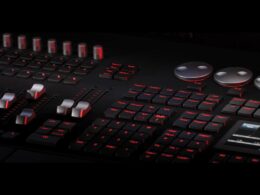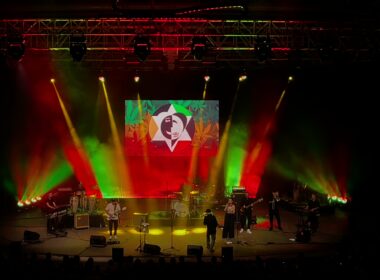


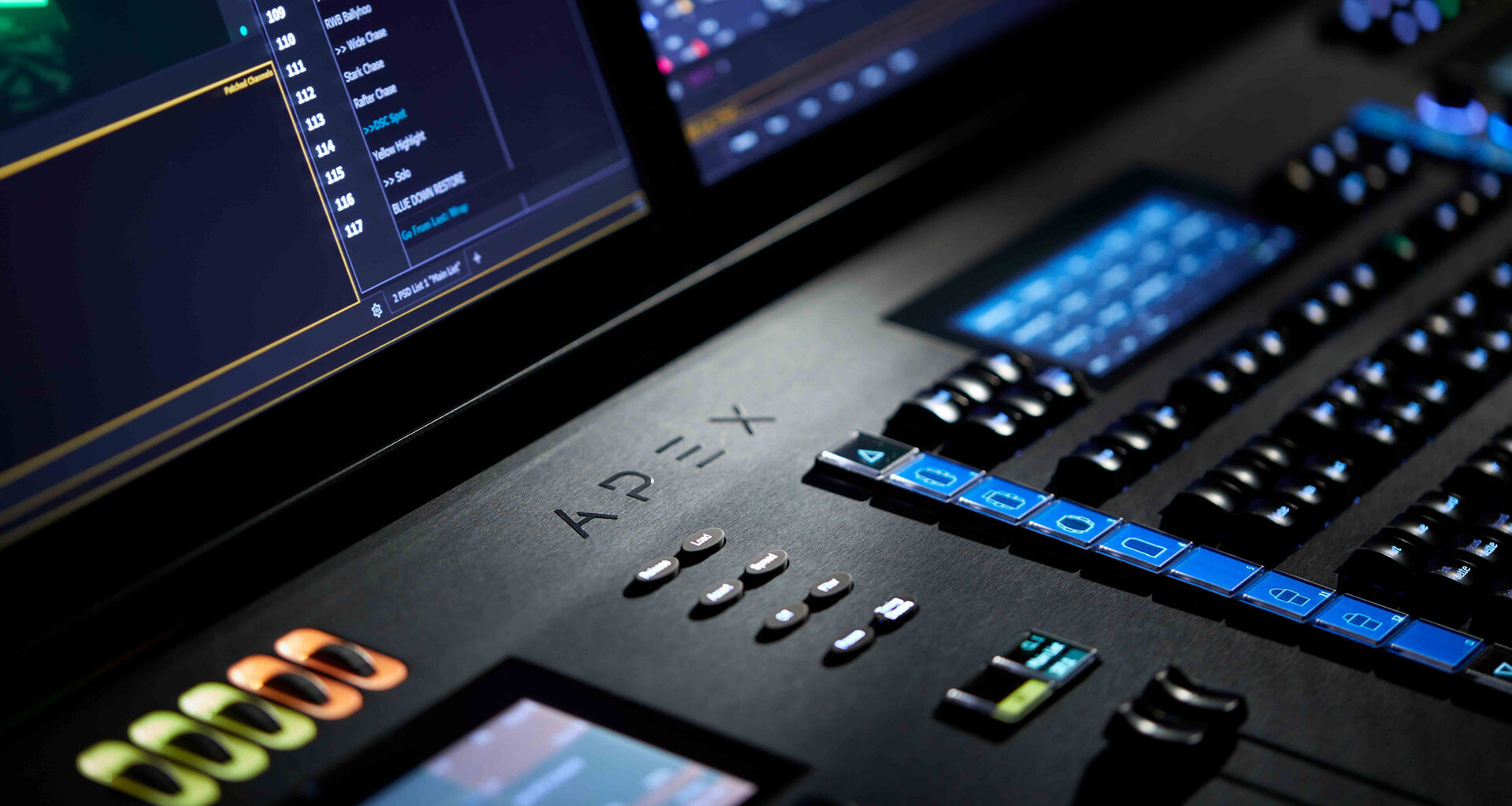
Firma ETC to jeden ze światowych liderów na rynku riggingu oraz oświetlenia estradowego i architektonicznego. Choć w naszym kraju ta marka szczególnie znana jest za sprawą serii rewelacyjnych lamp profilowych skrytych pod nazwą „Source Four” zamieszkujących w niejednej filharmonii, teatrze oraz operze to warto wiedzieć, że pod tą marką znajduje się także linia konsolet ETC Eos, która jest wyborem wielu realizatorów oświetlenia na całym ziemskim globie.
Nie będę ukrywać faktu, że sam jestem operatorem pracującym na praktycznie wszystkich sterownikach ze wspomnianej wcześniej serii. Choć moja pragmatyczna natura niejednokrotnie zasugerowała mi zapoznanie się z innymi rozwiązaniami obecnymi na rynku to nigdy nie znalazłem w nich nic, czego bym nie miał dotychczas pod przysłowiową „ręką” w serii Eos. Dodatkowo pozwoliło mi to dostrzec kilka pionierskich rozwiązań znajdujących się w tym systemie. Utwierdziło mnie to w przekonaniu, że dokonałem bardzo dobrego wyboru narzędzia w mojej codziennej pracy.
Workflow
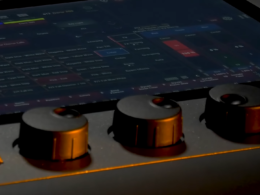
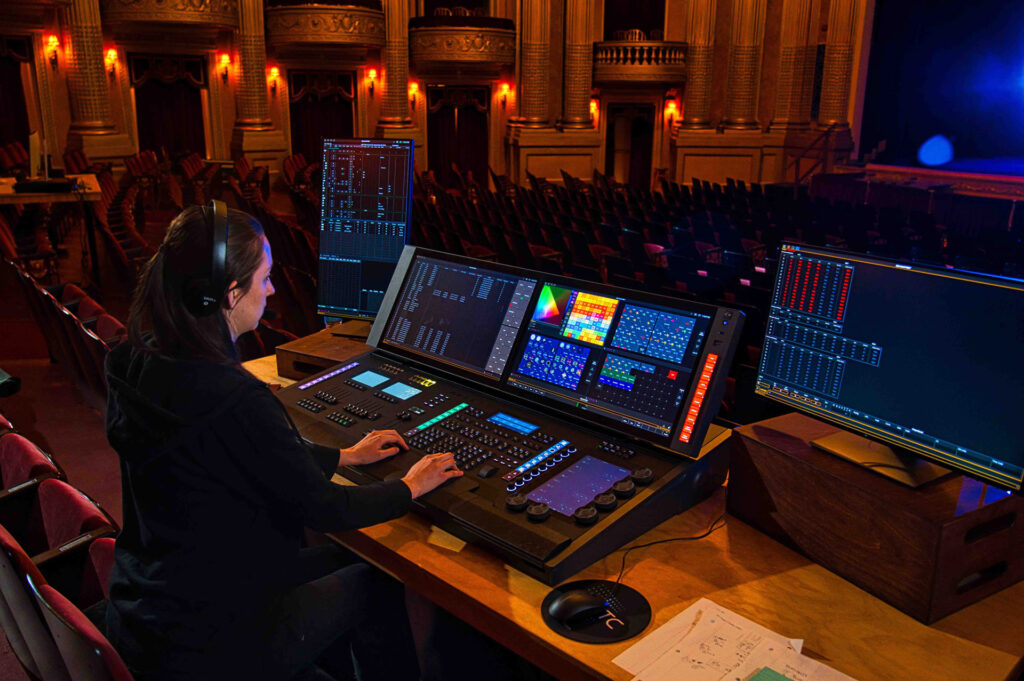
Z uwagi na fakt, że bardzo cenię siebie porządek w miejscu swojej pracy jednym z pierwszych aspektów, który przykuł moją uwagę jest wyjątkowo przejrzysty interfejs. W Eosie wszystko jest logiczne, czytelne i dobrze uporządkowane. Do dyspozycji dostajemy m.in. podgląd stanu urządzeń, który daje szybki dostęp do wszystkich parametrów kontrolowanych urządzeń. Choć większość na pierwszy rzut oka zobaczy „tabelkę z Excela” to jeśli przyjrzymy się bliżej zauważymy, że jest ona dużo bardziej wielobarwna.
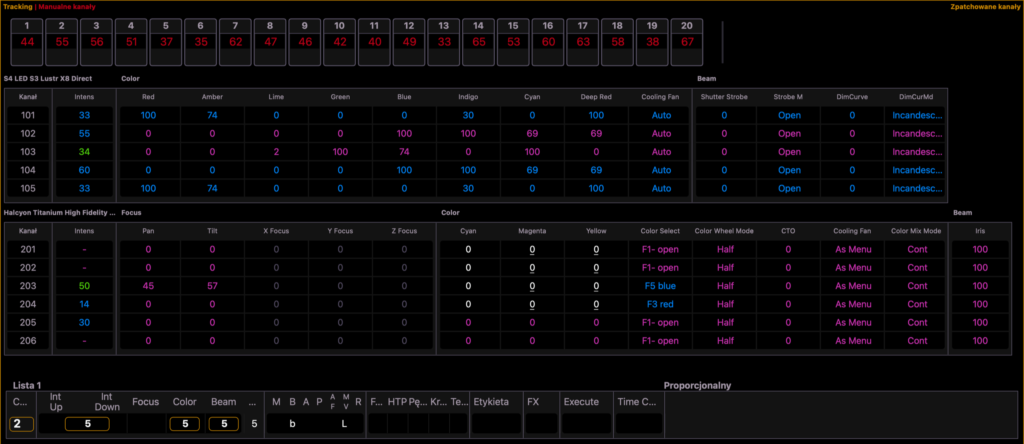
Nie jest to przypadek, ponieważ każdy z tych kolorów informuje nas o pochodzeniu i roli danej wartości. Dzięki czemu bardzo szybko jesteśmy w stanie zlokalizować jeszcze nigdzie niezapisane nowe ustawienia, wyciągnąć informację o tym czy pochodzą one np. z Cue oraz jaką zmianę właśnie wykonują (wzrost, redukcję lub utrzymanie wartości). Takie sposób prezentacji informacji na pewno doceni każdy świetlik, który dużo pracuje z detalem w swoich realizacjach.
Dodatkowo przestrzeń roboczą na pracujących z systemem wyświetlaczach możemy dowolnie skonfigurować, a jej ustawienia zapisywać w postaci niezliczonej ilości „Snapshotów”, więc zawsze mamy szybki dostęp do tego co aktualnie potrzebujemy. Wystawczy wykonać jeden ruch ręką.

Eos ma też coś dla ceniących pełną dowolność i mają wyjątkowe wymagania dotyczące workflow. Odpowiedzią na to zapotrzebowanie jest funkcja „Magic Sheet”. Przy jej pomocy możemy stworzyć różnorodnych i dostosowanych pod indywidualne potrzeby układów skrótów w postaci wirtualnych przycisków, suwaków itp. Ponadto można go wzbogacić o pliki graficzne co pozwala nam wgrywać własne np. „miniaturki” lub np. wyciągi z projektów architektonicznych przedstawiające rzut przestrzeni.
System mieszania kolorów.
Sytuacja na świecie związana z ekologią odcisnęła w ostatnich latach bardzo mocny wpływ na branży estradowej i skierowała producentów urządzeń oświetleniowych w stronę technologii LED, która w pełni zdominowała rynek. Potrzeba uzyskania światła o dobrej jakości wymusiła coraz częstsze stosowanie układów wielo diodowych. Niestety obecność w urządzeniach dostępnych na rynku posiada dzisiaj opcję emulacji trybów mieszania barw RGB lub CMY co pokazuje, że większość kontrolerów oświetlenia nie była gotowa na te rozwiązania. Stosowanie doraźnych rozwiązań z poziomu firmware’u samych aparatów odbiera nam potencjał jaki niesie za sobą wielo diodowe źródło światła. Na szczęście firma ETC od lat bardzo mocno rozwija w swoich produktach technologię opartą na źródłach LED, dzięki czemu bardzo mocno skorzystał na tym sam Eos.
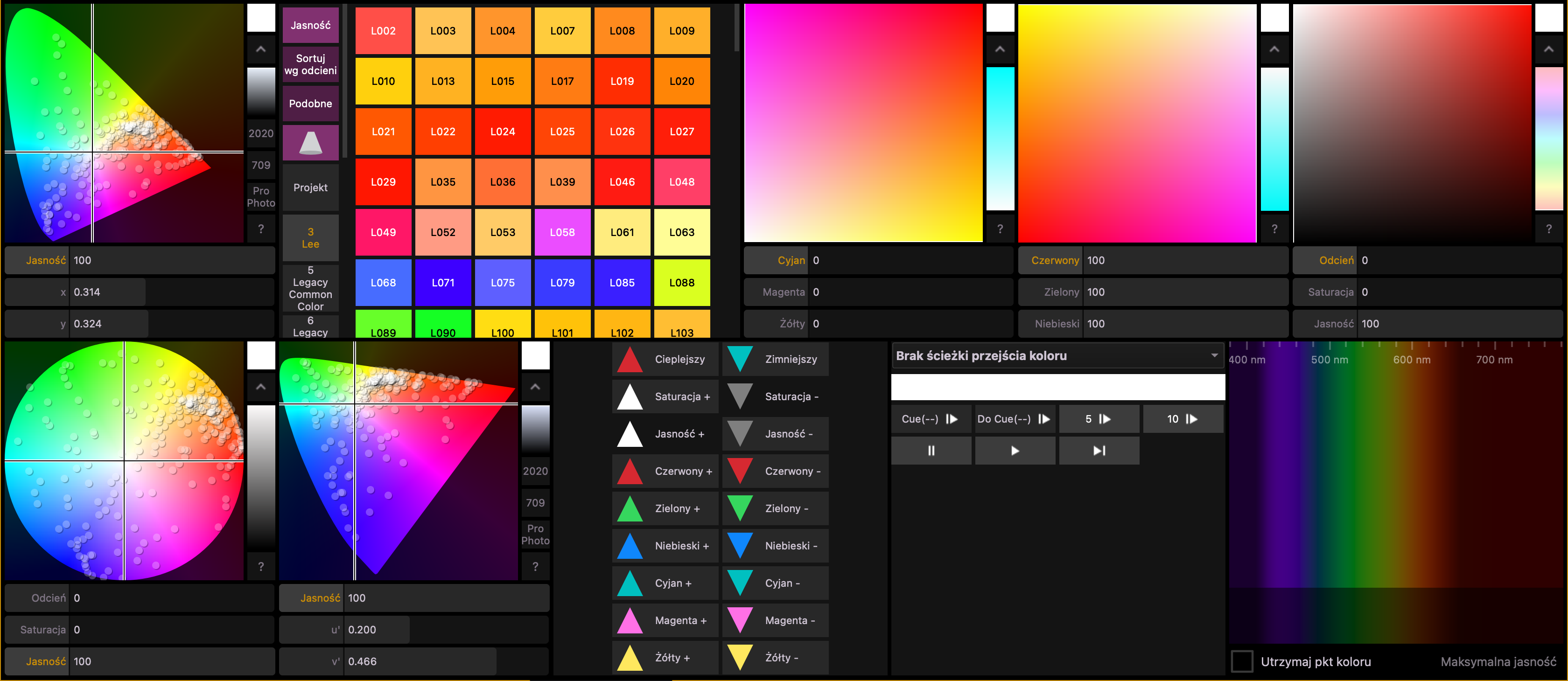
Został on wyposażony w autorski silnik mieszania barw, któremu lampy oparte o rozwiązania bazujące nawet na ośmiu diodach w źródle światła nie są jemu straszne. Bardzo cenie te funkcjonalność, ponieważ sam bardzo często pracuję na co dzień z barwą. W ramach środowiska programistycznego dostajemy m. in. możliwość samodzielnej kalibracji kolorów w urządzeniach, wbudowaną bibliotekę filtrów z palety Lee i Rosco oraz emulację parametrów nasycenia i saturacji, gdzie to oprogramowanie dobiera za nas automatycznie moc świecenia poszczególnych diod.
Jeśli otrzymany przez program rezultat nam nie do końca odpowiada to z pomocą przychodzi funkcja modulacji barwy przy zachowaniu wskazanego koloru. Znaczna ilość źródeł światła o różnych składowych umożliwia uzyskiwania tego samego odcienia przy różnych wariantach poziomów poszczególnych diod, więc czemu byśmy nie mieli skorzystać i z takich możliwości, oferowanych przez nowoczesne technologie.
Augument3d – jak się nauczysz, to nie pożałujesz!
Kolejną rzeczą, o której ciężko nie wspomnieć jest zaimplementowany niespełna trzy lata temu w środowisku Eos wizualizator o nazwie „Augment3d”. Jego nazwa nie jest przypadkowa i od razu mówi nam, że jest to coś więcej niż wbudowana aplikacja do obrazowania pracy oświetlenia. Poza tą znaną wszystkim dobrze funkcjonalnością z programów takich jak np. WYSIWYG oraz Capture daje on szereg nowych i niespotykanych dotąd narzędzi, które osiągnięto za sprawą dodania opcji definiowania pozycji świateł przy pomocy współrzędnych XYZ, a nie jak to dotąd miało miejsce przy użyciu parametrów PAN i TILT.

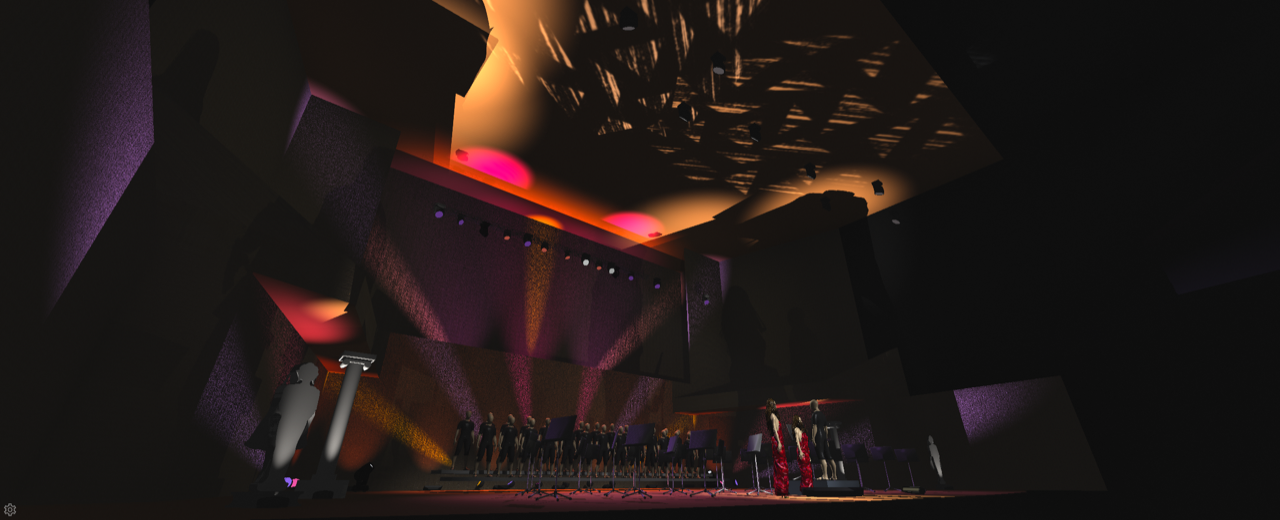
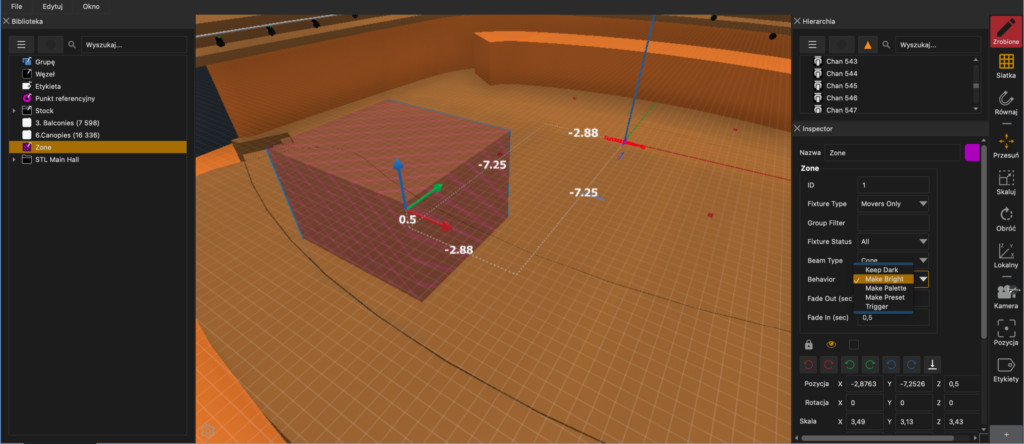
Dzięki czemu posiadając przygotowany projekt jesteśmy w stanie w łatwy sposób dostosować zapisane pozycje lamp do nowego rozmieszczania urządzeń. Wystarczy wyznaczyć kilka dokładnie odmierzonych punktów w przestrzeni sceny, nacelować na nie ruchome głowy i voila! Oświetlone miejsca pozostają bez zmian a lampy bez problemu mogą znaleźć się w nowym położeniu. Od teraz zmiana lokalizacji przestaje wiązać się z perspektywą braku czasu, aby zrobić sobie przerwę na kawę!
Wspomniane w wcześniej funkcje to dopiero przedsmak tego co oferuje Augument3D, dlatego więcej jego możliwości przedstawię w oddzielnym artykule.
Rodzaje urządzeń
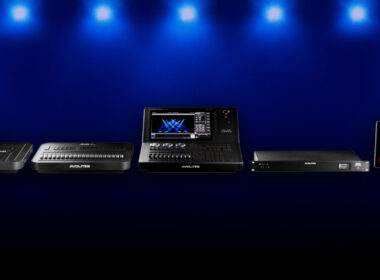
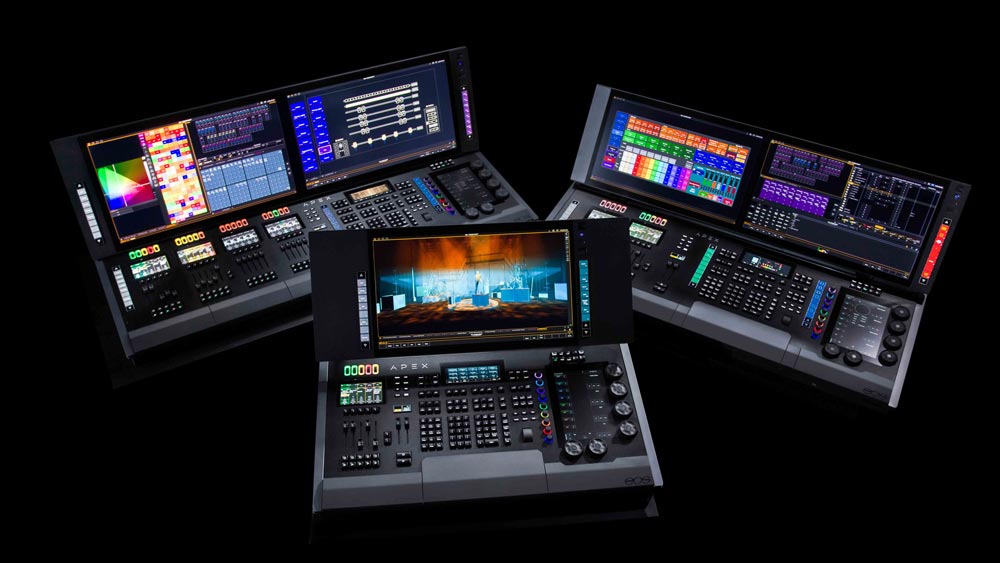
Na czele rodziny urządzeń Eos stoi gama niedawno zaprezentowanych, profesjonalnych konsolet Eos Apex 5, 10 oraz 20. Te napakowanych pionierskimi rozwiązaniami technologicznymi sterowniki zostały zaprojektowane z myślą maksymalizacji ergonomii pracy realizatorów a ich głównym celem jest sprostanie najtrudniejszym wymaganiom rynku przez najbliższą dekadę. To propozycja skierowana do dużych obiektów i sali koncertowych oraz wszystkich miejsc, gdzie ilość urządzeń oświetleniowych przyprawia o zawrót głowy.
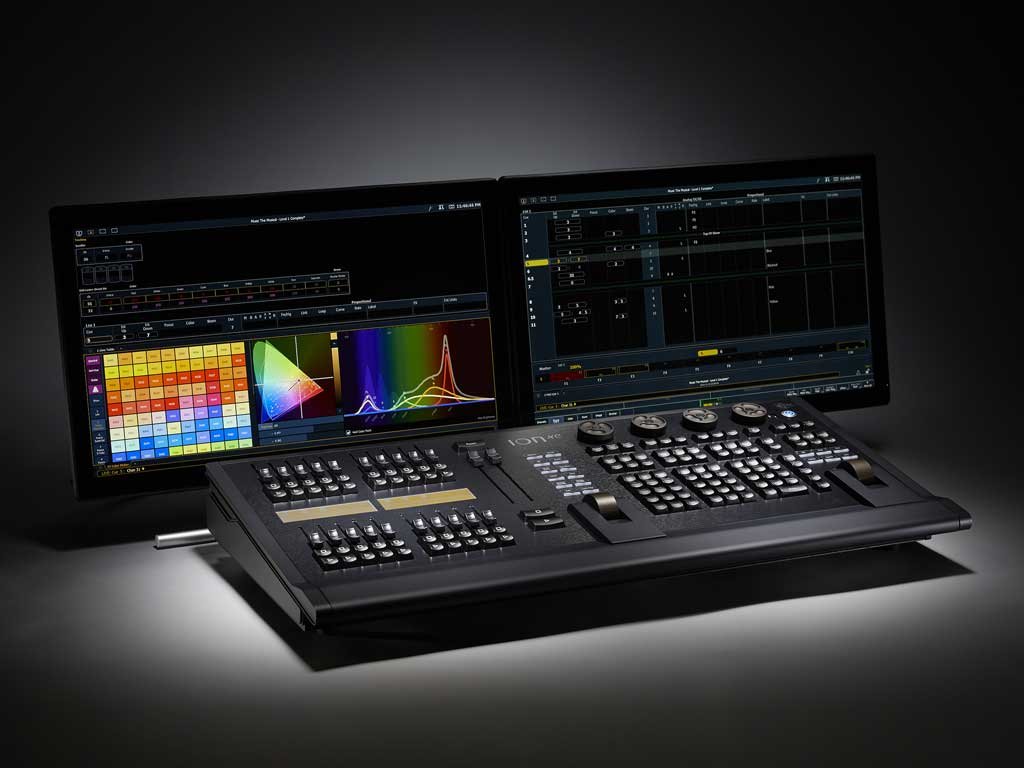
Jeśli ktoś ceni sobie mobilność swoją uwagę powinien skierować na sterowniki – Ion Xe, Ion Xe 20 lub najmniejszą z konsolet o sygnaturze Eos Gio @5.
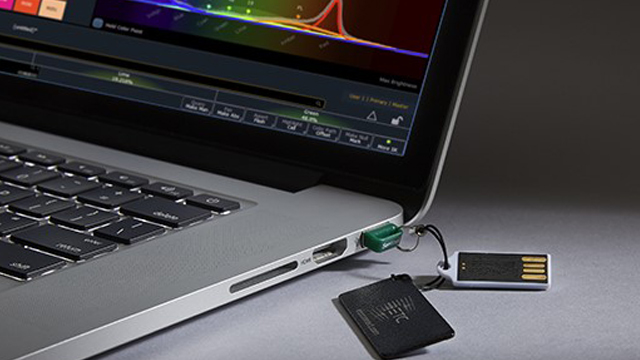
Natomiast dla osób rozpoczynających przygodę z oświetleniem lub pracujących na niewielkich systemach oświetleniowych świetnym wyborem będzie dongle z licencją ETCnomad, który pozwala przeistoczyć nasze prywatne komputery w prosty, lecz wciąż w pełni funkcjonalny sterownik świateł.
Podsumowanie
Na koniec ciężko nie wspomnieć dostępności środowiska ETC Eos. Każdy bez wyjątku może pobrać oprogramowanie na swój komputer ze strony producenta, niezależnie od tego czy pracuje na systemie operacyjnym MS Windows czy Apple OSX i sprawdzić wszystkie jego możliwości. Co prawda, aby zaświecić potrębujemy wspomnianej wcześniej licencji ETCnomad, ale za darmo dostajemy opcję pracy na Augment3d oraz możliwość połączenia się dowolnym i wybranym przez nas wizualizatorem.
W kwestii nauki również dostajemy pełną dowolność, ponieważ jeśli tylko mamy w sobie minimalny zapał do samodzielnej nauki to na kanale firmy ETC znajdziemy szereg materiałów szkoleniowych podzielonych na różne poziomy zaawansowania, co tak naprawdę w zupełności wystarczy, aby w pełni opanować prace ze tymi sterownikami. Jeśli ktoś natomiast ceni naukę w wariancie mentorskim warto zainteresować szkoleniami prowadzonymi w ramach Akademii Technik Scenicznych.
Tak w skrócie rysuje się mój prywaty wybór sterownika, z którym świetnie się bawię i rozwijam od przeszło ośmiu lat. Choć dla każdego jest to temat mocno indywidualny i subiektywny to rodzina konsolet ETC Eos niesie ze sobą szereg kompleksowych rozwiązań, w który na pewno każdy znajdzie coś dla siebie.
Warto im poświęcić chociaż chwilę, kiedy staniemy przed wyborem naszej najlepszej „deski”!
Producent: ETCDystrybutor: P.S. Teatr